
Protect-RE Filter Generator Update - Mist, TACACS+, DHCP and Custom Rules
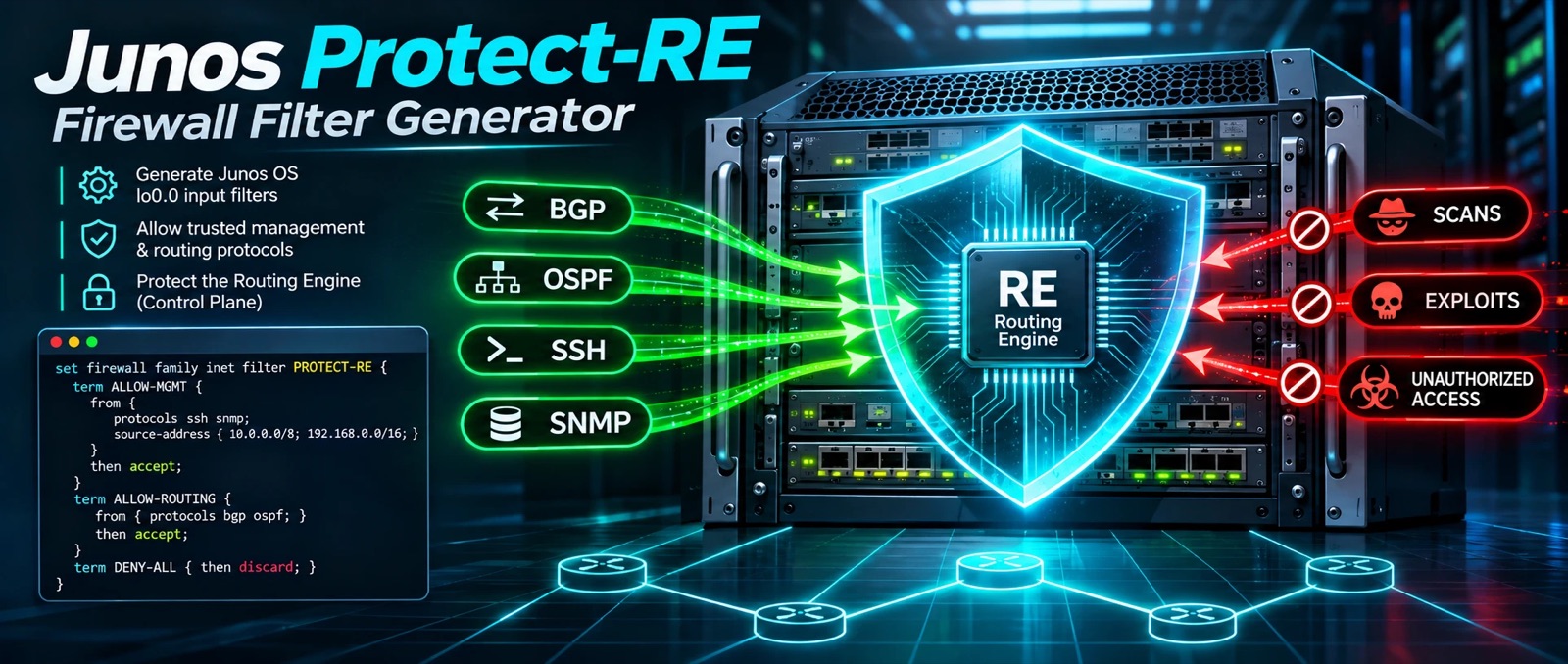
The Juniper Protect-RE Filter Generator on the Network Tools page picked up a round of additions. The trigger was simple: we compared it against the protect_re filter a Mist-managed EX4400 actually carries, and found a handful of things a real-world filter needs that the generator didn’t cover yet.
What’s new
- Mist-Managed Device. A Mist switch opens its connections outward, so the filter only has to accept the return traffic. Three optional terms cover it: outbound SSH (TCP source-port 2200), the Mist cloud over HTTPS (443), and NAC RadSec (2083). Each is TCP with
tcp-established, so a fresh inbound SYN doesn’t match. - TACACS+. Return traffic from your TACACS+ servers (TCP source-port 49,
tcp-established), with the server list pulled live fromsystem tacplus-serverusing the sameapply-pathtrick the BGP, NTP and RADIUS terms use. It’s TCP-only on purpose: TACACS+ doesn’t run over UDP, andtcp-establishedcan’t match UDP anyway, so a combined TCP/UDP term can only ever match TCP. - DHCP and DHCPv6. A client option for routers that get their management address by DHCP, and a server/relay option for routers that hand them out. The server/relay term is placed ahead of anti-spoof, because a client’s first packet comes from
0.0.0.0, which anti-spoof would otherwise discard. - SNMP port 10161. An optional checkbox for the alternate SNMP port that shows up in Mist-managed switch filters.
- Custom rules. Add your own one-off terms for things the checkboxes don’t cover: a CDN host, a monitoring probe, a vendor’s update server. Each rule has a source, protocol, ports and an action. Discard rules land right after the fragment check, ahead of every accept; accept rules land after management access. A rule with an IPv6 source goes into the IPv6 filter, and one with no source goes into both. Rules with no match conditions are skipped with a warning rather than quietly becoming “accept everything”.
- More warnings. The generator now flags any
/0source, a custom accept with no source address, and the Mist terms’ lack of source restriction.
Why the Mist terms aren’t limited to Mist’s IPs
We wanted to pin those return-traffic terms to the Mist cloud addresses. It turns out Juniper doesn’t publish an address list for them. The firewall-ports page gives hostnames per region (the outbound-SSH terminator is oc-term.<region>.mist.com, for example) and says the terminator IPs change, so use FQDN-based firewall rules. A Junos firewall filter matches addresses, not hostnames, so any list we generated would quietly go stale.
So the Mist terms match on the protocol, the tcp-established flag and the cloud-side source port, with no source-address match. That’s also how the filter Mist generated on the switch we looked at behaves. Restricting by destination hostname is a job for your perimeter firewall, which can actually resolve names.
A source port is not authentication, since anyone who can reach the router can forge one. That’s an argument for having the perimeter do the real filtering, not for pretending an IP list would stay accurate.
A note on Mist-managed switches
A Mist-managed switch may already carry its own lo0 filter. Run show configuration | display set | match lo0 before applying anything, and test in a lab: two competing lo0 input filters is not something to discover on a live switch. Mist also depends on DNS to find its cloud, so keep the DNS term checked.
Same rules as the rest of the tools here: it runs entirely in your browser and nothing is sent anywhere. It generates a starting point, not a certified config. Read it line by line, and use commit confirmed when applying an RE filter remotely, because a mistake here can lock you out of the device.