
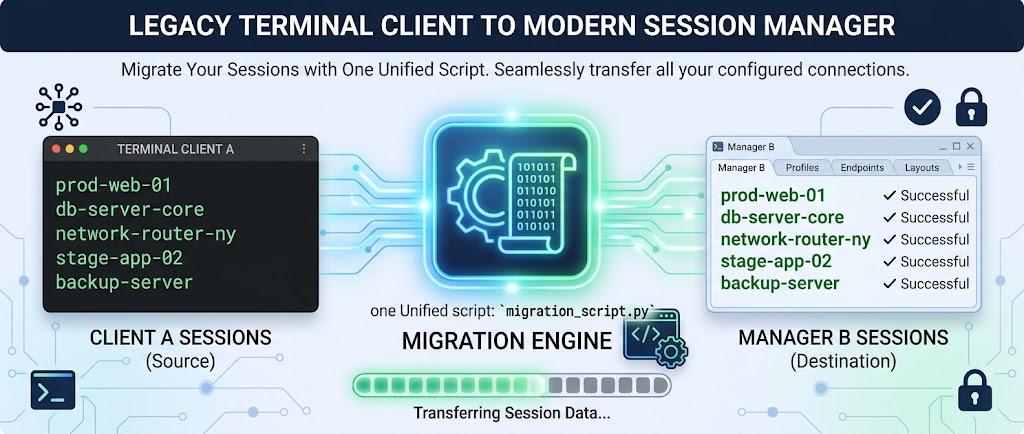
Drop in a SecureCRT session XML export and get back a ready-to-import SuperPutty Sessions.xml — instantly, in your browser. This is the same logic as the SCRT_2_SPUTTY.py script, ported to JavaScript so you don't need Python installed. Nothing is uploaded anywhere; the file never leaves your browser tab. Folder hierarchy is flattened into path-prefixed names, protocols are mapped to their closest SuperPutty equivalent, and anything that can't be converted (Serial, Local Shell, template stubs) is skipped and listed so you know exactly what didn't make the trip.
- Open SecureCRT
- Go to Tools → Export Settings…
- Select Sessions and choose XML as the format
- Save the file (e.g.
SecureCRT_Sessions.xml) - Drop that file into the box above, or paste its contents directly
- Click Convert, then Download above
- Open SuperPutty
- Go to File → Import Sessions → From XML File…
- Select the downloaded file
- Your sessions will appear in the session list, grouped by their original SecureCRT folder path
Provided as-is, with no warranty of any kind. This conversion runs entirely in your browser and is not an officially supported migration path for either product — field mappings, protocol defaults, and folder-flattening behavior may not match every SecureCRT export variant. Passwords and other credentials are never carried over. Always review the converted sessions in SuperPutty before relying on them, and keep your original SecureCRT export as a backup. See the full disclaimer.