
SecureCRT to SuperPutty – Migrate Your Sessions with One Python Script
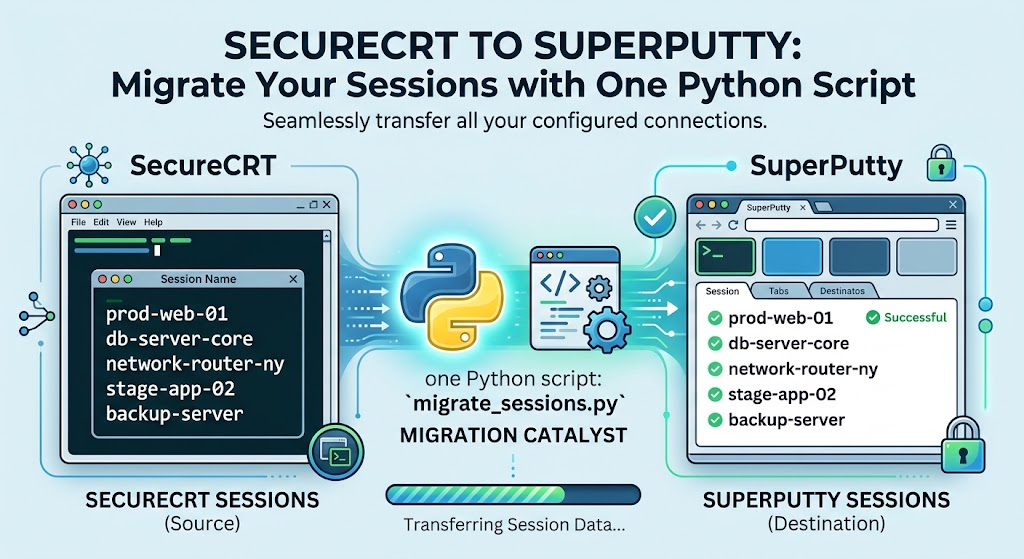
If you’ve ever had to move a large session library from SecureCRT to SuperPutty, you know the pain — there’s no built-in migration path, and manually re-entering dozens (or hundreds) of sessions is a miserable afternoon. I wrote SCRT_2_SPUTTY to handle it automatically. Point it at your SecureCRT XML export, and it spits out a ready-to-import SuperPutty XML file. No third-party libraries, no configuration files — just Python and a single command.
Update: if you’d rather not install Python for a one-off migration, this same logic is now available as a browser-based tool on the Network Tools page — the SecureCRT to SuperPutty Session Converter. Drop in your SecureCRT XML export and get a ready-to-import SuperPutty file back instantly, nothing installed or uploaded.
What It Does
SecureCRT can export your entire session list as an XML file (Tools → Export Settings → Sessions → XML). SCRT_2_SPUTTY reads that file, walks the nested folder structure, maps each session to its SuperPutty equivalent, and writes a clean XML file you can import directly into SuperPutty.
It handles all the details you’d have to sort out manually:
- Protocol mapping (SSH2, Telnet, RDP, SFTP → their SuperPutty equivalents)
- Folder hierarchy — SecureCRT’s nested groups get flattened into path-prefixed names like
Datacenter/Core Switches/sw-core-01 - Port resolution — reads the protocol-specific port field and falls back to the standard default if none is set
- Skips template stubs (
Default,Default_RDP, etc.) and unsupported protocols like Serial and Local Shell - Warns on sessions with no hostname rather than silently writing a broken entry
Requirements
Python 3.6 or later. No third-party packages — it uses only the standard library (xml, argparse, sys).
Exporting from SecureCRT
- Open SecureCRT
- Go to Tools → Export Settings…
- Select Sessions and choose XML as the format
- Save the file (e.g.
SecureCRT_Sessions.xml)
Usage
# Use the default output filename (SuperPutty_Sessions.xml)
python SCRT_2_SPUTTY.py SecureCRT_Sessions.xml

# Specify a custom output path
python SCRT_2_SPUTTY.py SecureCRT_Sessions.xml C:\Users\jeff\SuperPutty_Import.xml
Sample output:
Reading  : SecureCRT_Sessions.xml
Converted: 42 session(s)
Written  : SuperPutty_Sessions.xml
Importing into SuperPutty
- Open SuperPutty
- Go to File → Import Sessions → From XML File…
- Select the generated XML file
- Your sessions will appear in the session list
Protocol Mapping
Not every SecureCRT protocol has a SuperPutty equivalent. Here’s how they map:
| SecureCRT Protocol | SuperPutty Protocol |
|---|---|
| SSH2 | SSH |
| SSH1 | SSH |
| Telnet | Telnet |
| TelnetSSL | Telnet |
| RDP | RDP |
| SFTP | SSH |
| Serial | skipped |
| Local Shell | skipped |
| TAPI | skipped |
| Raw | skipped |
Skipped sessions are reported to the console so you know exactly what didn’t make the trip.
Get It on GitHub
The script is up on GitHub — grab it, fork it, or open an issue if your SecureCRT export has something unusual in it:
https://github.com/FryguyPA/SecureCRT-Sessions-to-Super-Putty